
Resolve issues faster with scan & snap reports
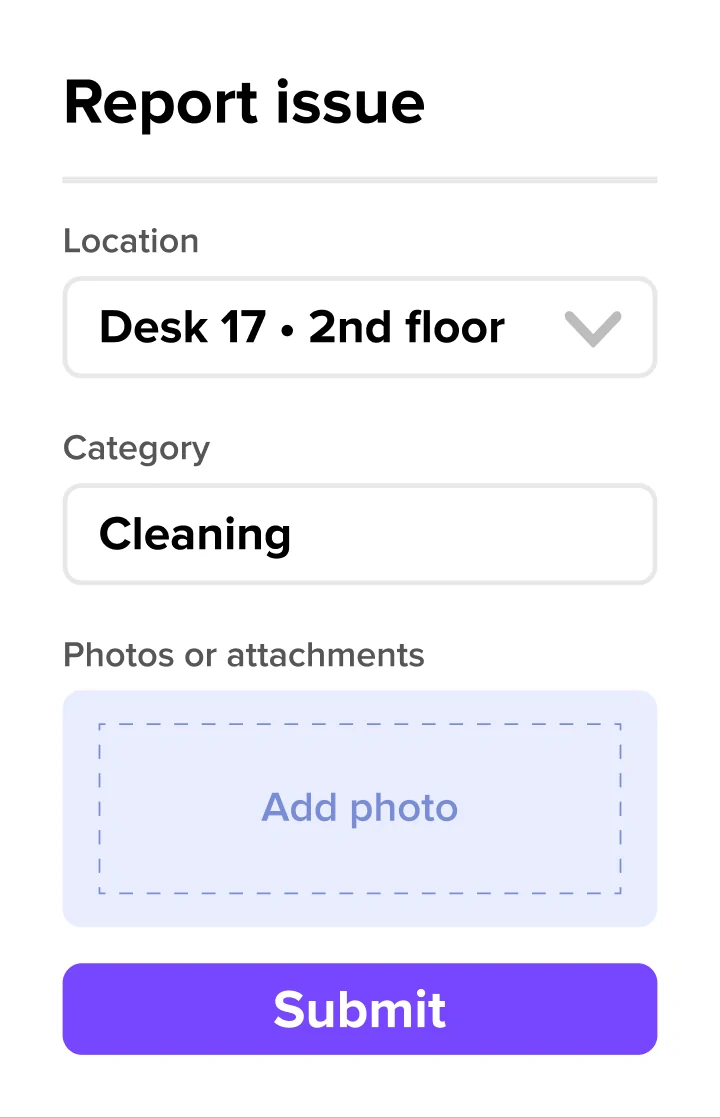
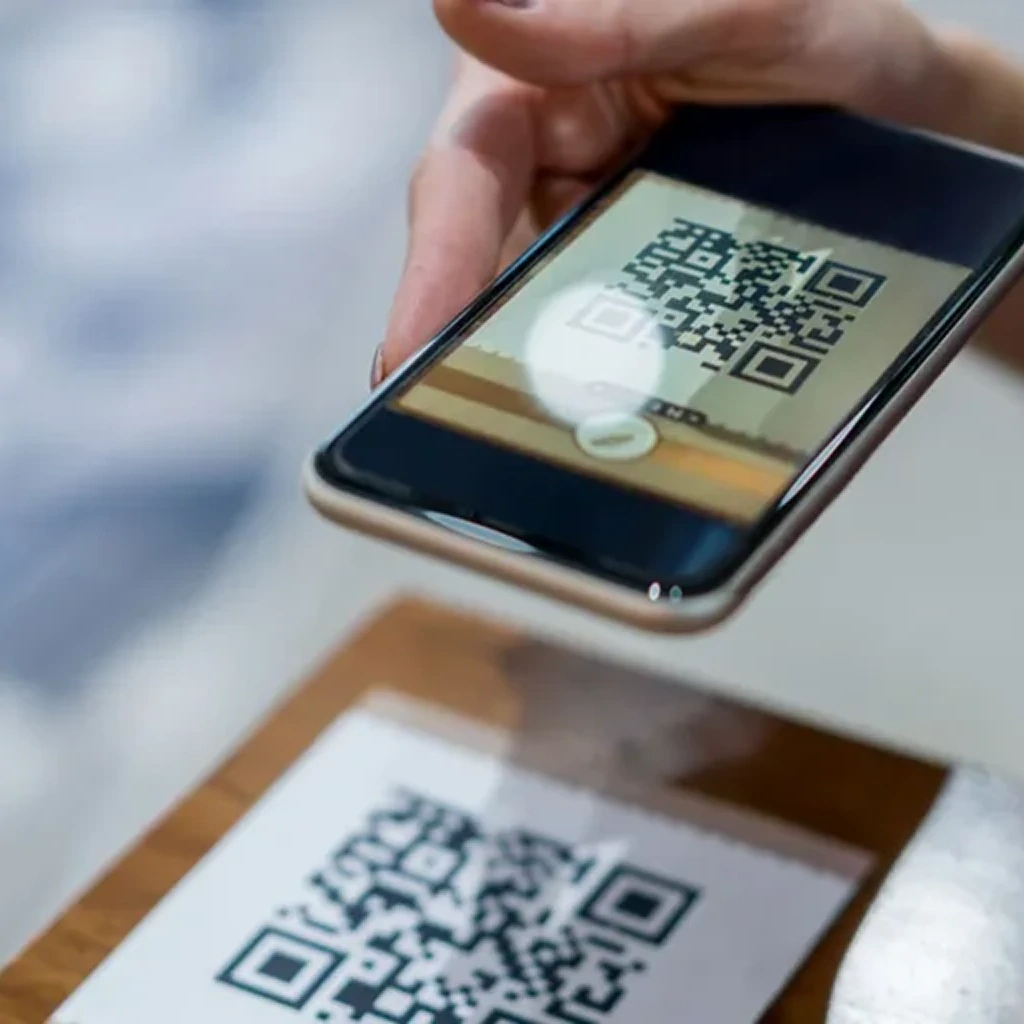
Scan a QR code, snap a photo. Done. Exact location auto-captured. Reporting issues is so easy, employees actually do it.
Empowering over 10,000 workplaces worldwide
Why you need a better way to handle office issues

Disjointed processes don’t get used
When reporting a problem is problematic, most people just don’t. It’s left to be discovered by somebody who won’t put up with it.

Chasing for details wastes time
Decoding issue descriptions is no fun, and chasing for detail is even less. Back & forth wastes everyone’s time.

Delayed fixes spreads dissatisfaction
Unreported issues and slow response affect staff morale, productivity & office attendance.*
*GPA, 2025
Plugs right into your existing workflows
Using tools like Jira or ServiceNow for ticketing? Give your team a fast, intuitive way to report issues, while every ticket routes automatically to the system your facilities team already works in. No migration. No duplicate workflows.

Scan it, snap it, sorted.
- Employees report issues in three taps — scan a QR code, pick a category, attach a photo. Done. Location and resource details fill in automatically.
- Define your own issue categories and route each ticket to the right team the moment it's submitted. No chasing, no re-routing.

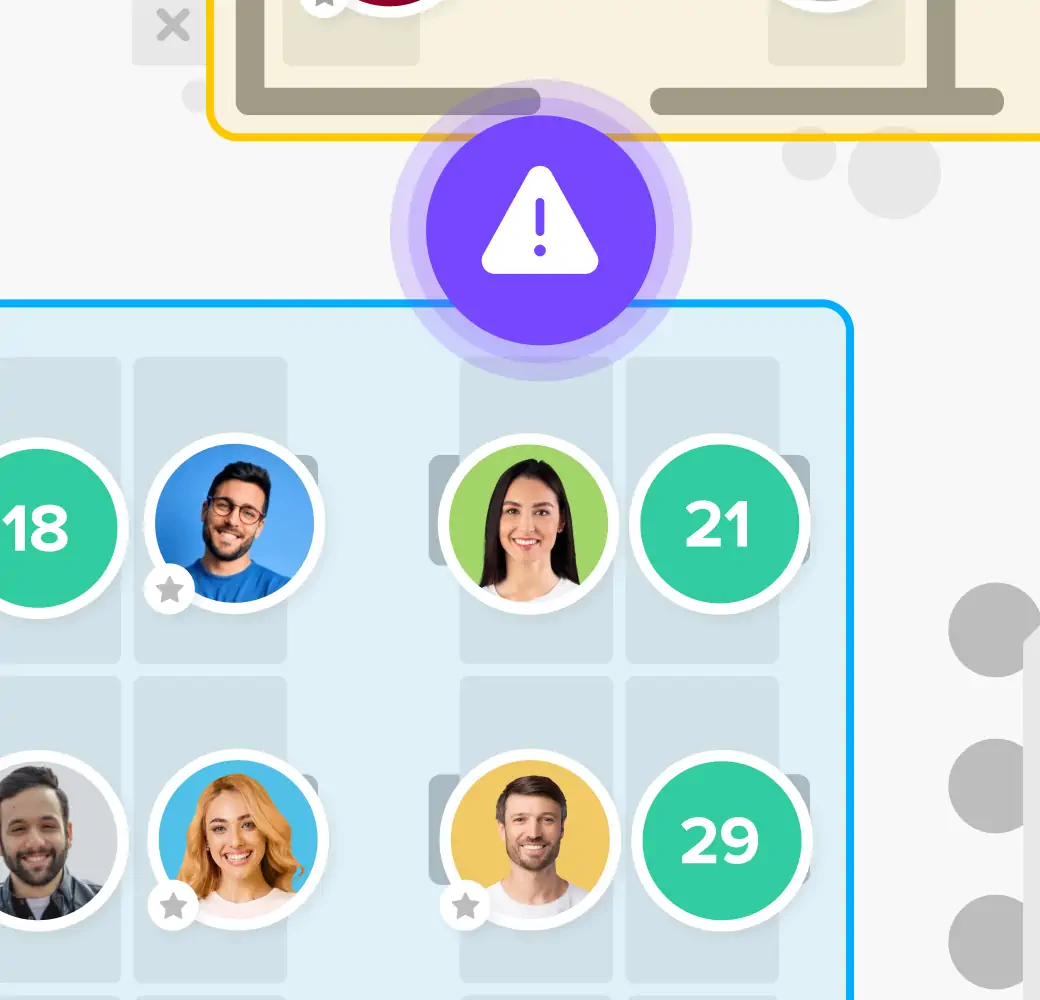
Report from the floor plan
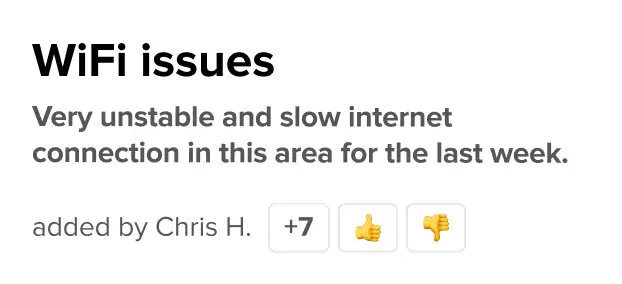
- Spotted something wrong? Employees tap directly on the floor plan or report an issue straight from a recent booking.
- Issue capture is embedded throughout the deskbird experience, so problems get reported the moment they're noticed.
Fully fledged. Fully yours.
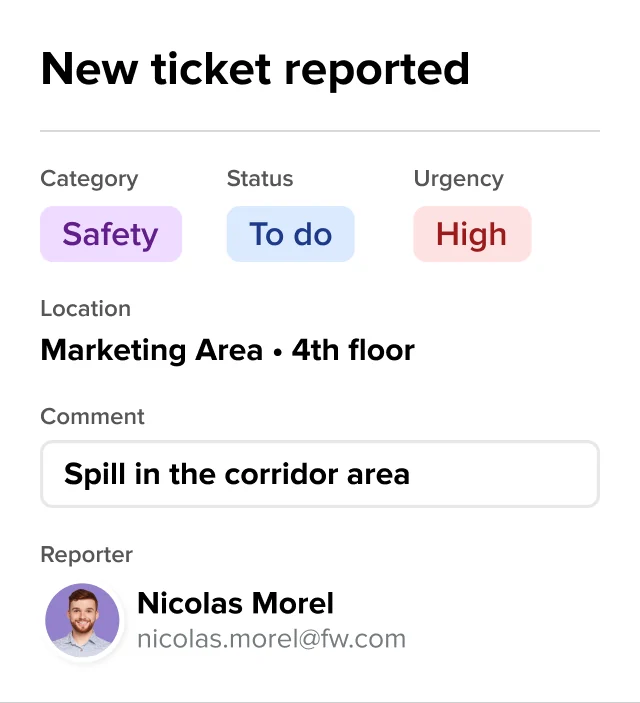
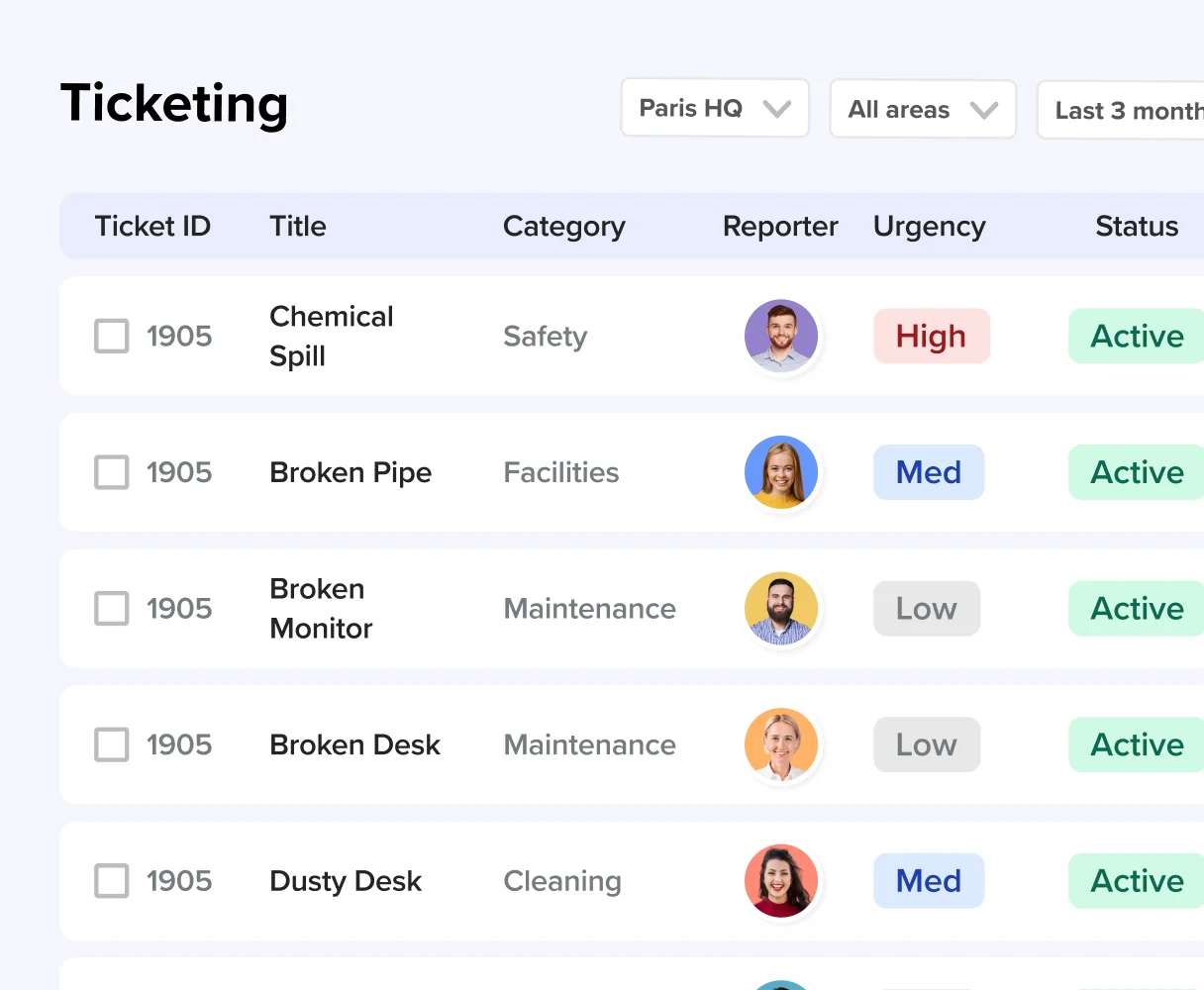
- See every open ticket across all locations in one dashboard — filtered by category, urgency, or assignee. No more spreadsheets or status update threads.
- Create custom categories, add comments, update priority, and close tickets as issues get resolved. The reporter will stay in loop.

"Deskbird’s simplicity stands out. The app is incredibly easy to navigate, and all the essential features are exactly where you expect them to be."
Manager of a 1000 employee marketing company
